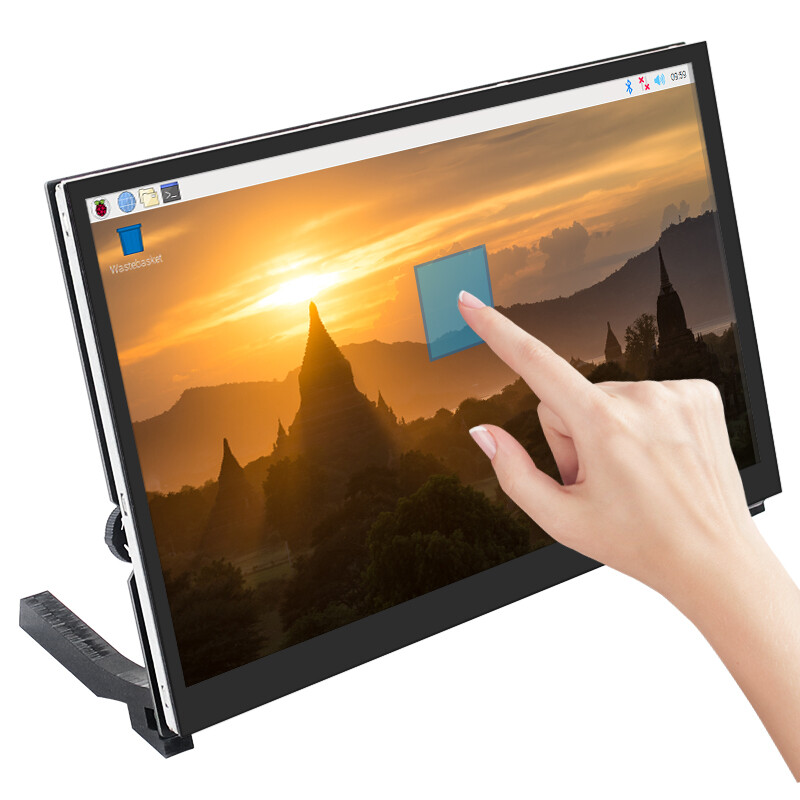
What Is a Touch Portable Monitor and When Should You Use One?
Touchscreen technology is not just limited to smartphones and tablets anymore. Touch portable monitors bring the same buttery-smooth, interactive, tap-and-swipe experience to your laptop, desktop, game console, and even smartphone. These feather-light, ultra-thin, and impressively versatile displays are becoming an increasingly popular companion for productivity, creativity, entertainment, and travel-friendly workstations.
But what is a touch portable monitor? When is the right time to get one? And how do you choose which type is best for you?
Let’s explore what they are, what you can use them for, and how something like an 18 inch touch screen monitor can enhance your workflow.
What Is a Touch Portable Monitor?
A touch portable monitor is a portable external display with a built-in touchscreen that enables you to control what you see on the screen directly with fingers or a stylus pen. It’s a thin, compact, lightweight monitor that can be connected and disconnected from your device at will. Portable touchscreens are great for anyone who needs an extra screen, but doesn’t want the heft and hassle of a second desktop monitor.
Key Features
Touch Input (up to 10 point on some models)
- Tap, scroll, drag, pinch and zoom, select, click, and draw right on the screen.
Portable Design
- Ultra-thin, only weighs about 1–2 lbs, and slips easily in a bag.
Plug and Play
- Connects to a device via a USB-C or HDMI cable.
- Many also have power delivery capabilities, so a single cable can send video and power.
Compatibility
- Pairs with laptops, desktops, smartphones, tablets, cameras, game consoles.
Size Options
- From ultra-portable 13 inch models to larger touchscreen monitors like an 18 inch touch screen monitor for drawing or multitasking.
Portable monitors are a hit among consumers these days, but touch-enabled models take things a step further in terms of usability.
Benefits of Using a Touch Portable Monitor
1. Enhanced Workflow and Productivity
Touch functionality means certain actions are much quicker:
- Dragging windows or files across screens
- Scrubbing through software menus
- Sketching/drawing on documents
- Zooming, rotating, or cropping photos or videos
Compared to a mouse or trackpad, you can enjoy a more fluid, touch-enabled workflow.
2. Great for Collaboration
Touch portable monitors are very useful for:
- Presentations
- Training and demos
- Client meetings
- Interactive displays
Easily show things to customers, then instead of describing something verbally, point it out and physically highlight/draw on the screen.
3. Ideal for Artists and Designers
Digital artists and creatives can benefit a lot from a portable touchscreen monitor because they can:
- Draw on the go
- Digitally paint
- UI/UX design mockups
- Edit photos with your fingers
An 18 inch touchscreen monitor is an especially good choice for artists and designers due to the larger size.
4. Perfect for Work While Traveling
Traveling for business or leisure? A touch portable monitor adds a second interactive screen without extra weight or bulk. It effectively turns hotel rooms, airport seats, cars, and cafés into makeshift workstations.
5. Use Versatile Touch Controls for Gaming and Media
Many touch portable monitors can also be used as portable gaming monitors, so they:
- Provide a smooth gameplay experience
- Pair with Switch, Steam Deck, PS5, and smartphones
- Provide immersive on-the-go visuals
Touch is not needed for most games, but it can be handy for navigating menus or playing touchscreen-compatible games.
6. Compatible with Multiple Devices
You can connect a touch portable monitor to:
- Laptops
- Smartphones
- Tablets
- Cameras
- mini-PCs and NUCs
- Game consoles
In this way, touch portable monitors are more flexible than ordinary monitors.
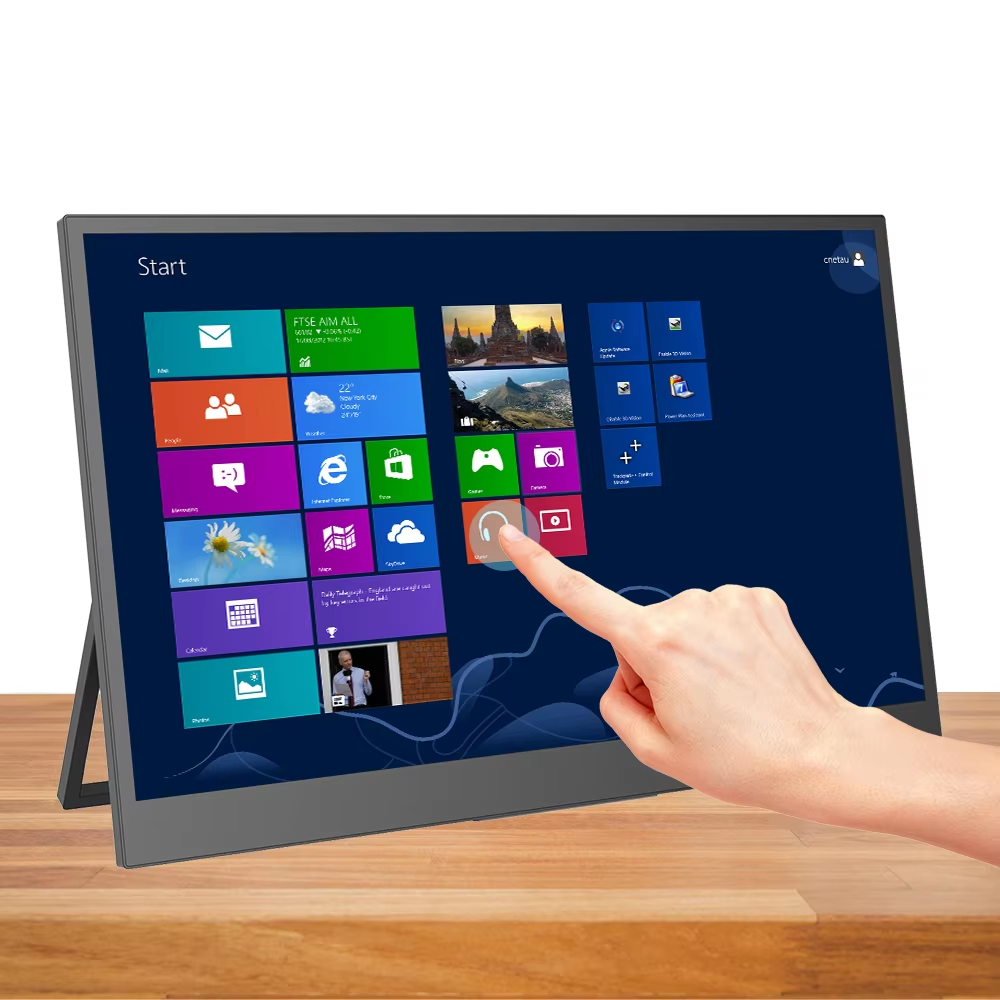
When to Use a Touch Portable Monitor?
1. When You Want Additional Screen Real Estate While Traveling
Business or study travel? A touch portable monitor makes your hotel or AirBnB room a more productive place by offering a secondary display for multi-screen multitasking. Keep emails on one side and a project dashboard on the other, for example.
2. For Art, Design, and Other Creative Work
Touch-enabled touch portable monitors are ideal for creative professionals and hobbyists such as:
- Digital artists
- Graphic designers
- Architects
- Animators
You can get even more drawing/design surface by opting for a large 18 inch touch screen monitor.
3. Giving Presentations or Teaching
Touch displays allow you to interact with material in new ways, such as:
- Live annotations
- Drawing, writing, or circling on slides
- Directly manipulating charts, maps, and other diagrams
All of this makes touch portable monitors well-suited for educators, trainers, and sales professionals.
4. Mobile Gaming Setups
Gamers who like a flexible setup will enjoy pairing a Switch, Xbox, PS4/5, Steam Deck, or other handheld with a portable gaming monitor for big-screen gameplay on the go. Touch input can be used to control compatible games and easily navigate game menus.
5. For Interactive Kiosks or Demo Stations
Portable touchscreen monitors make excellent temporary displays for:
- Exhibitions
- Trade shows
- Retail pop-ups
- Demonstration booths
And more because they’re easy to transport, set up, and offer a compelling visual experience for users.
6. Ergonomic Workspaces
Alternating between touch, keyboard shortcuts, and mouse/trackpad can make long hours at the desk more comfortable. Touch helps reduce mouse-hand fatigue.
Comparison Table: Touch Portable Monitor Benefits
| Feature | Touch Portable Monitor | Traditional Portable Monitor |
| Touch Interaction | Yes, 10-point touch | No |
| Productivity Boost | High for editing, annotating, drawing | Good, but limited to mouse/keyboard |
| Creative Work | Excellent | Moderate |
| Gaming Usability | Good for menus and compatible games | Excellent for pure display use |
| Portability | Lightweight and slim | Similar, both are highly portable |
| Versatility | Higher—works like an interactive tablet | Standard external display |
| Ideal Use Case | Designers, students, business travelers, presenters | General productivity and gaming |
Who Should Get a Touch Portable Monitor?
A portable touchscreen monitor is perfect for you if you:
- Prefer hands-on, direct interaction with your digital environment.
- Need to multitask or work with multiple applications/screens.
- Are a traveler, freelancer, remote worker, or often work away from a desk.
- Do creative, artistic, or design work.
- Play games on consoles or handhelds while on the go.
- Give sales demos, training, or teaching presentations.
Whether you want a compact 13 inch touchscreen monitor or something larger like an 18 inch touch screen monitor for drawing, one thing is certain: a portable touchscreen monitor is a great addition for added control, flexibility, and productivity, wherever you go.
Frequently Asked Questions (FAQs)
1. Do touch portable monitors work with all laptops?
Touch portable monitors are compatible with Windows, Mac, and Linux laptops. Touch feature might need a USB-C connection or a separate USB for functionality.
2. Can I use a touch portable monitor for gaming?
Yes! Portable touchscreens work great as portable gaming monitors for playing games on your PlayStation, Xbox, Nintendo Switch, Steam Deck, and so on. Touch is not needed for games, but it can be handy for navigating menus or playing touchscreen-compatible games.
3. Will touch input drain the battery more?
Touchscreen models will use slightly more power, but most connect via USB-C, which has power delivery. The power your computer sends for video is more than enough for the touchscreen to work, so no significant battery drain. If you’re using the monitor with an adapter from a laptop, however, the battery might be more affected.
4. Can you draw on a touch portable monitor?
Yes, most touch portable monitors support stylus and are great tools for artists, designers, and students.
5. Is an 18 inch touch screen monitor too large to carry?
No, it is bigger than average portable monitors, but it is not large or heavy. It is still light enough to easily fit inside backpacks and comes with a shoulder bag.
Conclusion
A touch portable monitor is more than just a second screen, it’s an interactive, flexible, and travel-ready companion that can supercharge your productivity, creativity, and entertainment, wherever you work and play. If you are a designer or digital artist looking for a bigger digital canvas, a business traveler in need of powerful multi-screen work options, a gamer on the go, or just someone who appreciates intuitive, hands-on control, a touchscreen monitor will greatly improve your computing experience.
Available in sizes from pocketable 13 inches to larger 18 inch touch screen monitors that are perfect for artists, designers, and power users, there is sure to be a perfect touchscreen companion to match your lifestyle. All in all, a touch portable monitor provides the ideal blend of portability, interactivity, and performance, to serve as an indispensable digital companion for today’s professionals, students, and gamers.
Keep an eye for more latest news & updates on Aiotechnical!